I had version 1.5.9 running on a docker environment, but had a problem not related with InvoicePlane. The thing is that I didn’t have a backup of the DB, and finally I could copy the files of the DB directly from the directory (/var/lib/mysql/my_db).
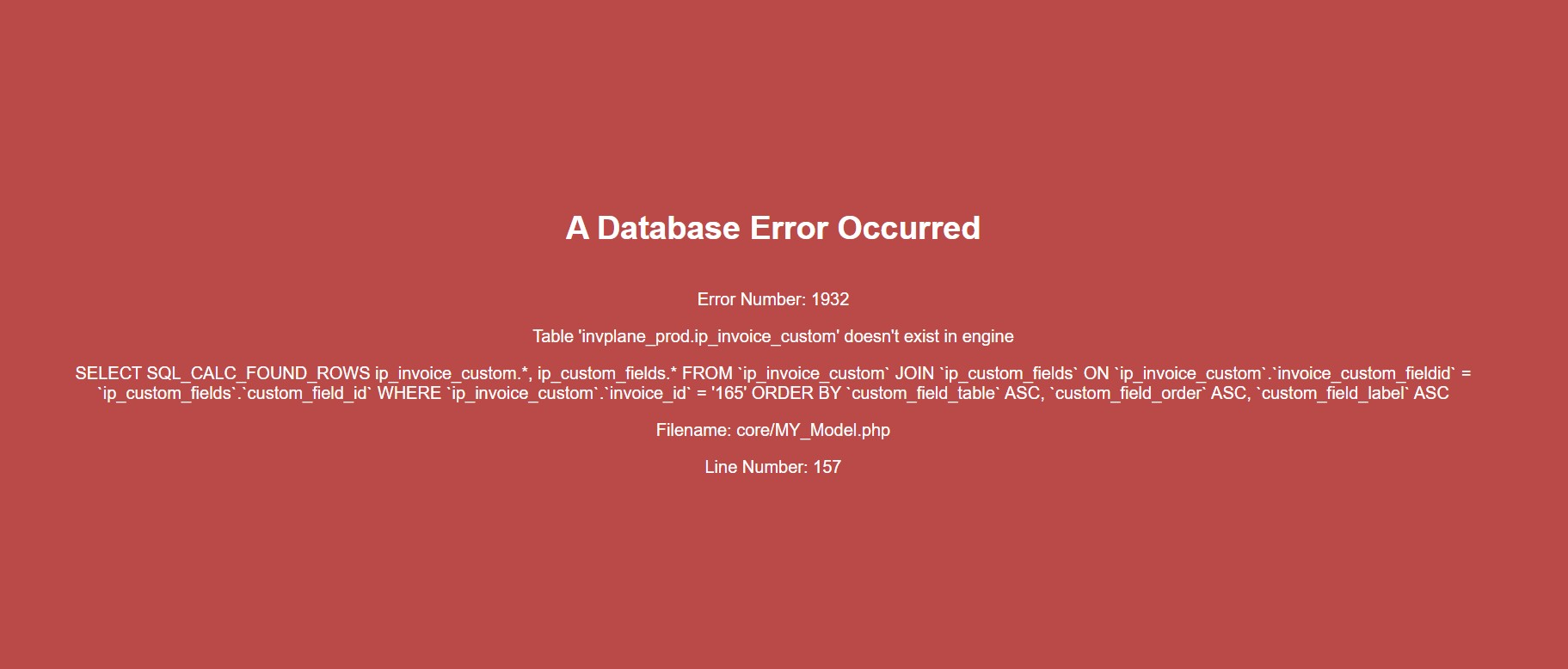
Now I have same version runing on a normall installation. An I can access to the app and see the values of DB, but when I try to access to the links (invoices and clients), I had this error:
And both tables have they’re .frm and .idb file on the directory of the DB.
Personally i would place those 2 files in a separate directory, they’re your last step of recovery
Install complete empty InvoicePlane in a new, empty database.
Copy over those 2 tables using your favorites database edit tool, (i always use phpMyAdmin)
With those extra 2 tables copied over you won’t have this error anymore
Now… depending on whether you had values in your old database in your custom_values for your custom_fields, do the following:
Backup the new recovered database, without custom values
Backup the empty database, you might need it some day
Copy your recovered .frm and .ibd files in that new, empty database (maybe remove the old files for those 2 tables)
Check phpMyAdmin to see if your custom values tables are there
Check the rights of those 2 files
Try to recover
if you have your values back, copy them over to your clean, recovered database
And of course re-backup your new, recovered database
Fixed!!! thank you very much. At the end, all *_custom tables were broken. I changed via phpMyAdmin with a empty ones of a DB fresh install.
For the moment I don’t see missing data, but I have a backup copy of those tables in case I need it.
If you’re running locally without Linux, set an alarm clock to make backups
If you’re running Locally on Mac or on Linux, make a “cron job” to make backups
If you’re running on a server with Linux set a cron job as well
I hope you’ve got your Docker back
You could do: docker exec -it $(name-of-docker-container) bash -c "mysqldump param param param"
And that creates your backup every time you let your cron job run